
Receiving a wedding invitation is exciting. But figuring out how to respond online can feel confusing. If you’ve been invited to a wedding through a Minted wedding website, you’re in the right place.
This guide walks you through the RSVP process step by step. You’ll learn exactly what information to provide. And you’ll complete your response in just minutes.
The couple has chosen Minted because it makes wedding planning easier. The platform streamlines guest responses. This helps them track attendance accurately.
Need to Find the Couple’s Wedding Website? Check your invitation for a custom URL. It typically appears at the bottom of the card. You can also search the couple’s names on the Minted website to locate their page.
Table of Contents
Why Your RSVP Response Matters
Your timely response helps the couple plan their special day. Wedding venues require final headcounts weeks in advance. Caterers need accurate numbers to prepare meals.
The Minted wedding website makes this process smooth for everyone. Couples can track responses in real time. Guests can update their information easily if plans change.

Benefits of Online RSVP
Digital responses eliminate lost mail and missed deadlines. The couple receives instant notifications. They can manage their guest list efficiently.
You’ll also receive confirmation immediately. This gives you peace of mind that your response was received. Plus, you can access the website anytime to review event details.
The Minted platform organizes all wedding information in one place. You’ll find ceremony times, venue addresses, and registry links. Everything stays accessible until the wedding day.
What You’ll Need Before Starting Your RSVP
Gather a few items before beginning the RSVP process. This ensures you complete everything in one sitting. You won’t need to start over.
Required Information
- The couple’s wedding website URL from your invitation
- Your full name exactly as it appears on the invitation
- Names of additional guests if you received a plus-one
- Your email address for confirmation receipt
- Dietary restrictions or meal preferences if requested
Most Minted wedding websites require minimal information. The couple designs their RSVP form based on their needs. Some may ask additional questions about song requests or transportation.
Pro Tip: Complete your RSVP as soon as possible. Many couples set deadlines 4-6 weeks before the wedding. Early responses help them finalize details with vendors.
Step 1: Access the Minted Wedding Website
Start by opening your web browser on any device. The Minted wedding website works on computers, tablets, and smartphones. Choose whichever is most convenient.

Finding the Website URL
Look at your wedding invitation carefully. The website address usually appears at the bottom. It might say “Please RSVP at” followed by the custom URL.
The URL typically follows this format: minted.com/couplenames or a custom domain. Type it exactly as shown. Check for hyphens or special characters.
If you can’t locate the URL on your invitation, contact the couple directly. They can send you the correct link. You might also find it in the invitation envelope’s additional cards.
Navigating to the RSVP Section
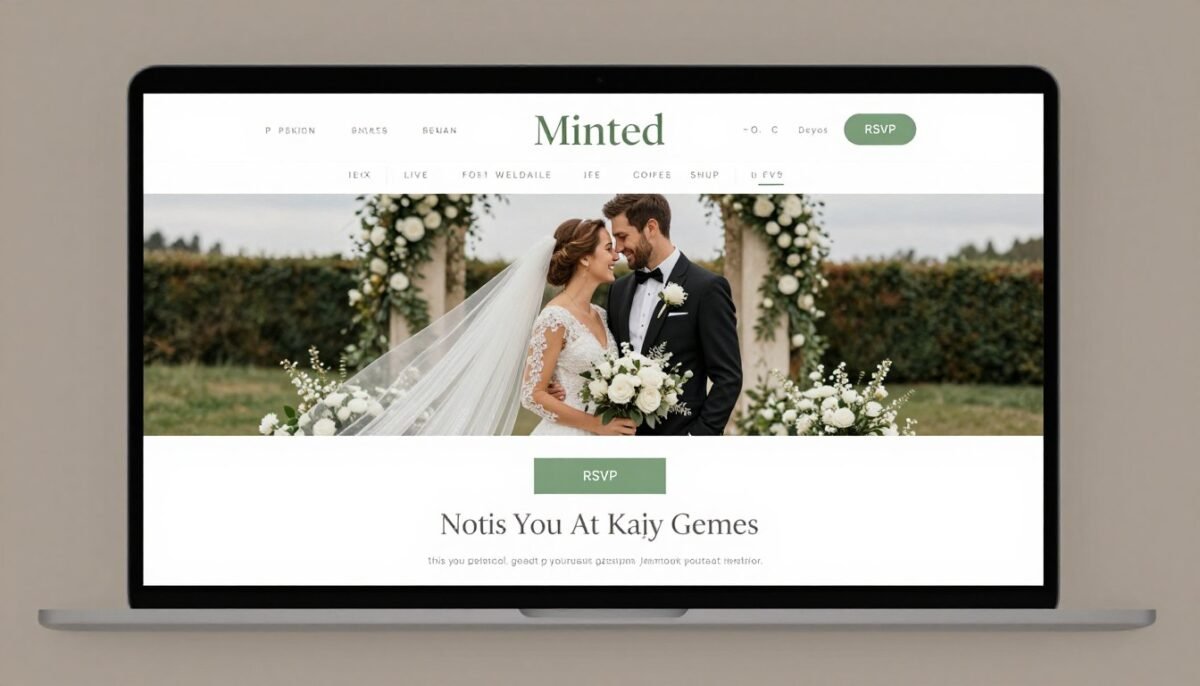
Once the website loads, you’ll see the couple’s personalized page. The design reflects their wedding theme and style. Look for a navigation menu or RSVP button.
Desktop Navigation
On desktop computers, the RSVP link typically appears in the top menu bar. It might also be a prominent button on the homepage.
- Look for “RSVP” in the main navigation
- Check for a colored button on the homepage
- Scroll down if the site uses a one-page design
Mobile Navigation
Mobile versions often use a hamburger menu icon. Tap it to reveal the full navigation options including RSVP.
- Tap the three-line menu icon
- Select “RSVP” from the dropdown menu
- Wait for the form to load completely
The Minted platform makes finding the RSVP section intuitive. The couple’s website editor allows them to customize placement. But it’s always clearly labeled and easy to locate.
Step 2: Fill Out Your RSVP Information
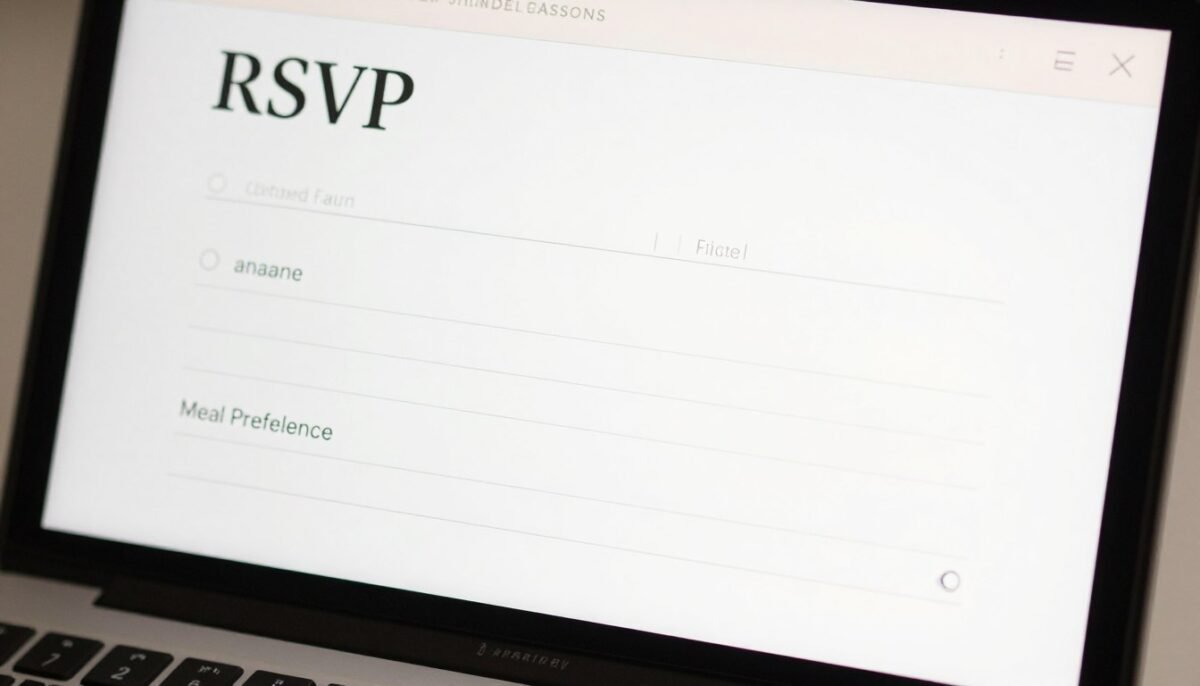
After clicking the RSVP button, you’ll see the response form. This is where you provide your attendance details. The form layout varies based on the couple’s preferences.
Entering Your Name
Most Minted wedding websites ask you to enter your name first. This helps the couple match your response to their guest list. Type your name exactly as it appears on the invitation.
If you received a plus-one invitation, you’ll see fields for additional guests. Enter their full names clearly. This ensures proper place card preparation and seating arrangements.
Some couples use a dropdown menu with pre-populated guest names. This speeds up the process. Simply select your name from the list provided.
Selecting Your Attendance Status
You’ll need to indicate whether you’re attending or declining. The form typically presents this as radio buttons or a dropdown menu. Choose one option clearly.
If You’re Attending
- Select “Accepts with Pleasure” or “Will Attend”
- Complete all additional required fields
- Provide meal preferences if requested
- Answer any optional questions thoughtfully
- Double-check guest count accuracy
If You’re Declining
- Select “Declines with Regret” or “Cannot Attend”
- Most fields become optional after declining
- Consider adding a brief personal message
- Submit your response promptly anyway
- Send a separate congratulations note to the couple
Providing Meal Preferences
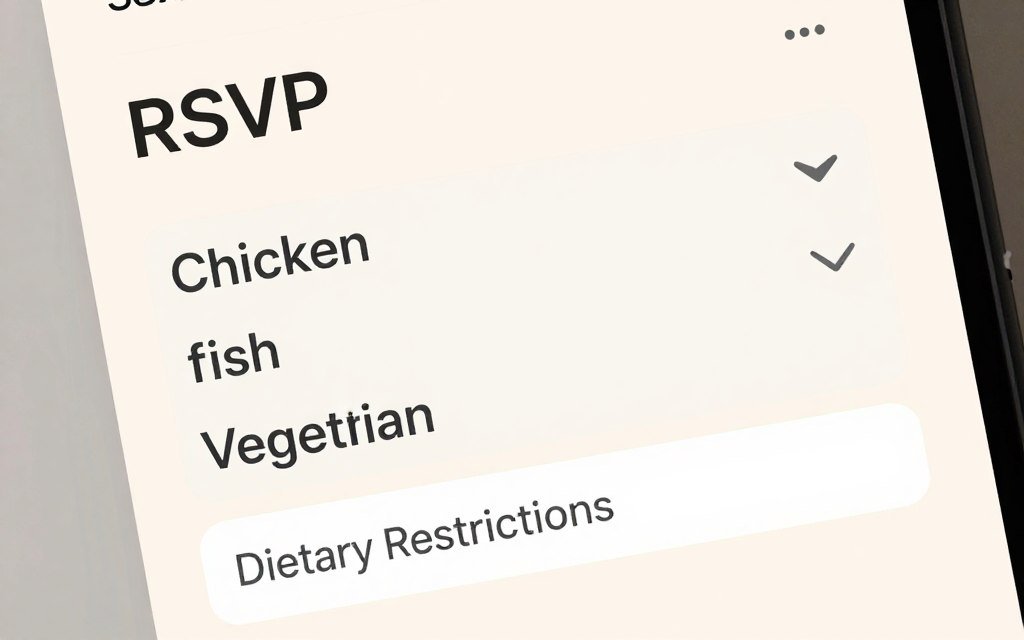
Many wedding receptions offer meal choices. The RSVP form may include options like chicken, beef, fish, or vegetarian. Select your preference from the provided menu.
If you have dietary restrictions or allergies, look for a text field. This allows you to specify your needs. Be clear and concise in your description.
The couple will share this information with their caterer. Accurate details ensure you receive an appropriate meal. Don’t leave this section blank if it’s marked as required.
Adding Optional Information
Some Minted wedding websites include fun additional questions. These might ask about song requests or drink preferences. Answer these if you’d like to personalize your response.
You might also see a message box for well wishes. This is your opportunity to share congratulations. Keep messages brief but heartfelt.
Common RSVP Form Fields: Most forms request basic attendance confirmation, guest names, and meal choices. The couple’s wedding website editor allows them to customize questions based on their reception plans and venue requirements.
Step 3: Review and Submit Your Response
Before clicking submit, review all your information carefully. Check that names are spelled correctly. Verify your meal selections match your preferences.

Double-Checking Your Details
Mistakes happen easily when filling out forms quickly. Take an extra minute to scan each field. This prevents confusion for the couple later.
- Confirm guest count matches your invitation allowance
- Verify all names are complete and correct
- Check that email address is typed accurately
- Review meal preferences for each guest
- Read any messages you’ve written for typos
The Minted platform doesn’t always allow edits after submission. Getting it right the first time saves you from contacting the couple. It also ensures their planning spreadsheet stays accurate.
Clicking the Submit Button
Once everything looks correct, locate the submit button. It usually appears at the bottom of the form. The button might say “Submit RSVP” or “Send Response.”
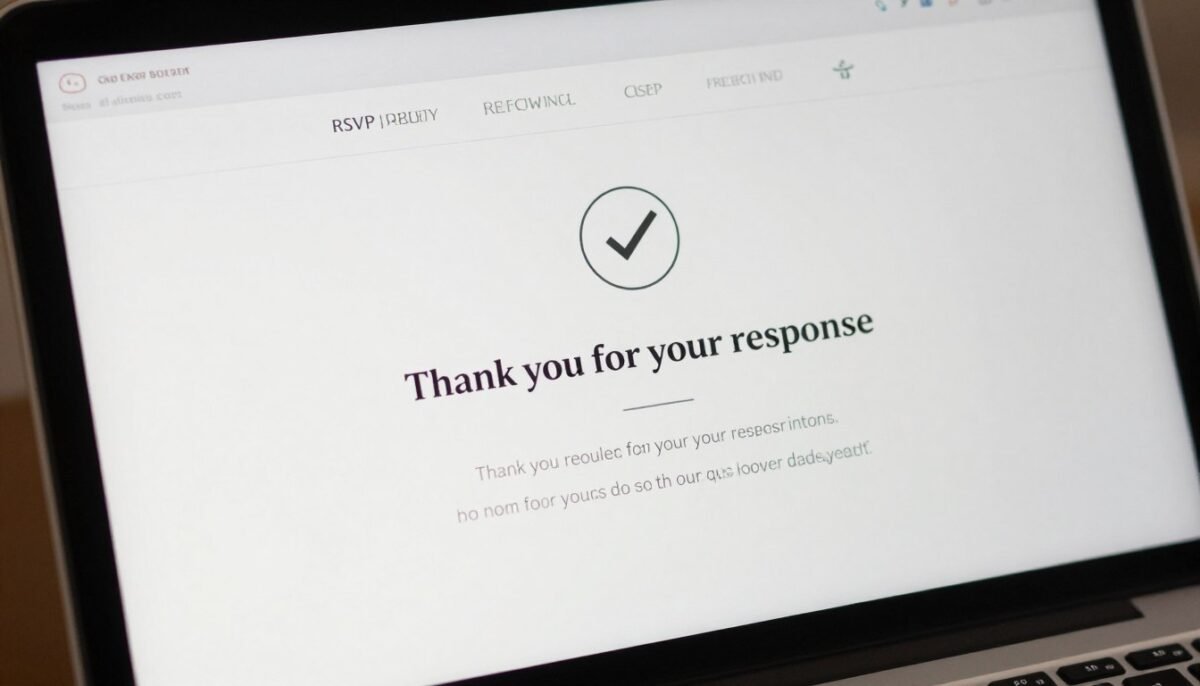
Click or tap the button once. Wait for the confirmation page to load. Don’t click multiple times or refresh the page during processing.
Confirmation and Next Steps
After submitting, you’ll see a confirmation message. This verifies the couple received your response. The page might thank you for RSVPing.
Check your email within a few minutes. Minted sends automated confirmation emails to the address you provided. This gives you a record of your response.
If you don’t receive a confirmation email, check your spam folder first. The message might have been filtered incorrectly. If you still don’t see it, revisit the website to verify submission.
Important: Save your confirmation email. You can reference it if questions arise later. It also contains the wedding website link if you need to review event details before the big day.
The couple can now see your response in their wedding planning dashboard. They’ll appreciate your prompt reply. It helps them make final decisions with confidence.
How to Update Your RSVP If Plans Change
Life happens and plans change sometimes. You might need to modify your response after submitting. The Minted wedding website makes updates possible in most cases.

Returning to the Website
Navigate back to the couple’s Minted wedding website using the original URL. Find the RSVP section again. Some couples enable an “Update RSVP” option.
You may need to enter your name to pull up your existing response. The system searches the guest list to find your previous submission. Then it displays your current information.
Make the necessary changes to your attendance status or meal preferences. Submit the updated form the same way you did originally. The new response replaces your previous one.
When Updates Aren’t Available
Some couples disable the update feature after a certain date. This helps them finalize vendor counts. If you can’t modify your response online, contact the couple directly.
Send them a message explaining the change. Provide your new attendance status or updated information. They can manually adjust their guest list in the editor.
Update Deadline: Try to make changes at least two weeks before the wedding. This gives the couple time to adjust catering numbers and seating charts with their venue and planning team.
Troubleshooting Common RSVP Issues
Sometimes technical problems occur during the RSVP process. Most issues have simple solutions. Here’s how to handle the most common challenges.
Website Won’t Load
If the Minted wedding website doesn’t appear, check your internet connection first. Try refreshing the page or using a different browser. Clear your browser cache if the problem persists.
The URL might be typed incorrectly. Double-check the address on your invitation. Look for typos or missing characters. Copy and paste the URL directly if possible.
Name Not Found in System
Some couples pre-populate their guest list in the system. If your name doesn’t appear, there might be a spelling variation. Try different name formats or initials.
Contact the couple if you still can’t find your name. They may need to add you to their guest list manually. This occasionally happens with last-minute invitations.
Form Won’t Submit
Required fields must be completed before submission works. Look for red asterisks or error messages. Fill in any missing information.
Try a different device if the submit button remains unresponsive. Occasionally browser extensions or ad blockers interfere. Disable them temporarily and try again.
Browser Compatibility
Minted wedding websites work best on updated browsers. Use the latest version of Chrome, Firefox, Safari, or Edge.
Outdated browsers may cause display or functionality issues. Update your browser if you experience problems.
Mobile Responsiveness
The platform is fully mobile-responsive. You can RSVP from your smartphone without issues.
If mobile viewing seems difficult, rotate your device to landscape orientation. This sometimes improves form field visibility.
Wedding RSVP Etiquette Guidelines
Following proper etiquette shows respect for the couple’s planning efforts. These guidelines help you respond appropriately. They ensure smooth communication throughout the process.
Respond by the Deadline
The invitation includes an RSVP deadline for a reason. Caterers need final counts weeks in advance. Venues require confirmed numbers for setup.
Try to submit your response within a week of receiving the invitation. Earlier is always better. This helps the couple budget accurately and plan seating arrangements.
If you’re genuinely unsure about your availability, contact the couple. Explain your situation briefly. Ask if you can confirm closer to the deadline.
Only RSVP for Invited Guests
Your invitation specifies how many people are invited. Don’t add extra guests without asking first. Check the envelope for the exact number.
If your invitation says “and Guest,” you have a plus-one. Otherwise, assume the invitation is for you alone. Adding uninvited guests creates budget and space problems.
Do These Things
- Respond promptly by the stated deadline
- Double-check your attendance before confirming
- Provide accurate dietary restrictions
- Be honest if you need to decline
- Keep the couple informed of any changes
- Thank them for the invitation
Avoid These Mistakes
- Waiting until the last minute to respond
- Adding guests not listed on invitation
- Ignoring dietary preference questions
- Saying yes when you’re uncertain
- No-showing after confirming attendance
- Forgetting to notify couple of cancellations
Communicate Changes Quickly
If you must cancel after confirming, tell the couple immediately. Don’t wait until the last minute. They’ve paid for your meal and reserved your seat.
Likewise, if you initially declined but can now attend, ask if space is available. The couple may have already finalized counts. But they’ll appreciate your interest in joining.
Frequently Asked Questions About Minted Wedding Website RSVP
Can I RSVP for someone else in my party?
Yes, if everyone in your party received a joint invitation. Enter all guest names in the provided fields. However, each person with a separate invitation should RSVP individually.
What if I don’t have the wedding website URL?
Check all materials that came with your invitation. The URL might be on an insert card. If you still can’t find it, contact the couple directly or search their names on Minted’s website.
How do I know if my RSVP was received?
You’ll see a confirmation page immediately after submitting. Minted also sends an email confirmation to the address you provided. Check your inbox and spam folder within 10 minutes of submitting.
Can I change my meal preference after submitting?
If the couple enabled updates, return to the website and modify your response. Otherwise, contact them directly with your new preference. Do this at least two weeks before the wedding.
Is my information private and secure?
Yes, Minted uses secure encryption for all wedding website data. Only the couple can see your RSVP response. Your information isn’t shared with third parties or used for marketing.
What happens if I miss the RSVP deadline?
Contact the couple immediately to explain your situation. They may still be able to accommodate your response. However, very late responses might affect seating and catering availability.

Managing RSVPs as a Couple Using Minted
If you’re planning your wedding, understanding the guest perspective helps. But you also need to know how to manage responses effectively. Minted’s wedding website platform simplifies this entire process.

Setting Up Your RSVP Form
The Minted wedding website editor makes customization simple. You choose which questions to include. Add fields for meal preferences, dietary restrictions, or song requests.
The template options integrate seamlessly with your invitation design. This creates a cohesive visual experience. Guests recognize your wedding style immediately.
You can require certain fields or make them optional. This flexibility lets you collect exactly the information you need. Nothing more, nothing less.
Tracking Guest Responses
Your wedding planning dashboard shows real-time RSVP updates. See who has responded and who hasn’t. The system organizes responses automatically.
Download your guest list as a spreadsheet for offline planning. Share it with your caterer, venue, or wedding planner. The format makes vendor communication effortless.
Set up email notifications to receive alerts when guests RSVP. This keeps you informed without constantly checking the website. You’ll know immediately when responses arrive.
Guest List Management
Organize attendees by group or table assignment. Track meal preferences and special requests. Everything stays in one centralized location.
The platform helps you identify who hasn’t responded yet. Send gentle reminders as your deadline approaches.
Vendor Coordination
Export your RSVP data directly to share with vendors. The spreadsheet format includes all relevant details they need.
Update information as changes occur. Your vendors always have the most current numbers and preferences.
Explore Beautiful Wedding Website Templates
Browse hundreds of professionally designed Minted wedding website templates. Find the perfect design that matches your invitation style. Each template includes integrated RSVP functionality, event details pages, and guest communication tools. Start creating your personalized wedding website today.
Making Your Wedding RSVP Experience Smooth
RSVPing to a Minted wedding website takes just a few minutes. The three-step process is straightforward and user-friendly. You access the website, fill out the form, and submit your response.

Your timely response helps the couple plan their celebration confidently. They can finalize catering numbers and seating arrangements. Vendors receive accurate information weeks in advance.
Remember to respond by the deadline stated on your invitation. Double-check all information before submitting. Keep your confirmation email for future reference.
If plans change after you RSVP, update your response promptly. Contact the couple directly if you encounter any technical issues. They want to ensure everyone can respond easily.
The Minted wedding website platform makes wedding communication seamless for everyone. Guests get a beautiful, easy-to-use RSVP experience. Couples receive organized responses that simplify planning.
Whether you’re a guest completing your RSVP or a couple managing responses, this system streamlines the process. It reduces stress and confusion for all parties involved.
Take a moment now to complete your RSVP if you haven’t already. The couple is eagerly awaiting your response. Your confirmation brings them one step closer to their perfect wedding day.